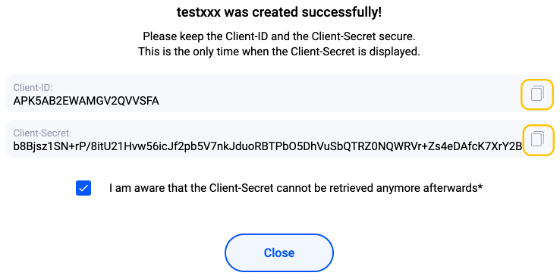
Pingen Account Configuration
Step 1: Login to your Pingen Dashboard
info
If you don’t have an account yet, just create one.
- For Staging: https://app-staging.v2.pingen.com
- For Production: https://app.v2.pingen.com
Step 2: Get the organization ID
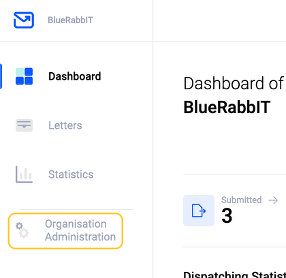
Organization Administration on the left pane
Step 3: Get the Client ID / Client Secret
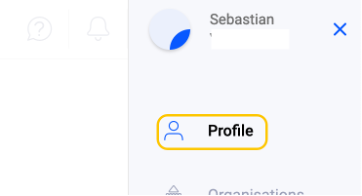
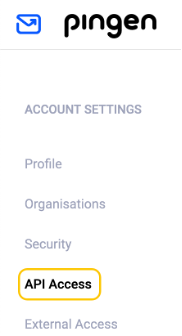
API Access from the left pane, then click on Create Developer App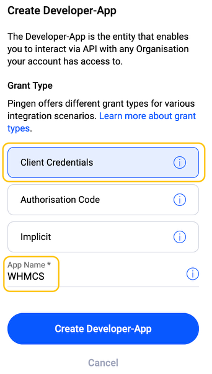
Client Credentials, give it any name you like, and click on Create