WHMCS Client Custom Fields
- Login into your WHMCS admin area
- Go to
Setup > Custom Client Fields - Create two custom fields as follows:
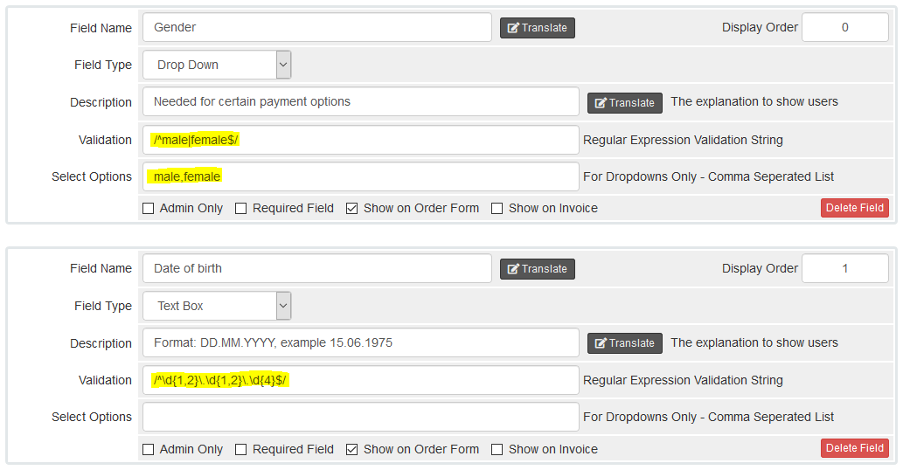
These are needed for some payment methods. The yellow marked parts must be identical. For the gender options/validation, you might also use any form of translation you wish. You will need the IDs of those custom fields. In order to get them, hover to a "Translate" button and check the link. At the end of it there is the id parameter.