Transactions
The Transactions tab is a log of payments that came in through Billing Booster payment codes and were matched and applied — a record of your reconciliation, with the invoice, client, amount, and date for each.
Use it to review what's been reconciled. The payments themselves are applied from the Statements tab; they appear here once applied.
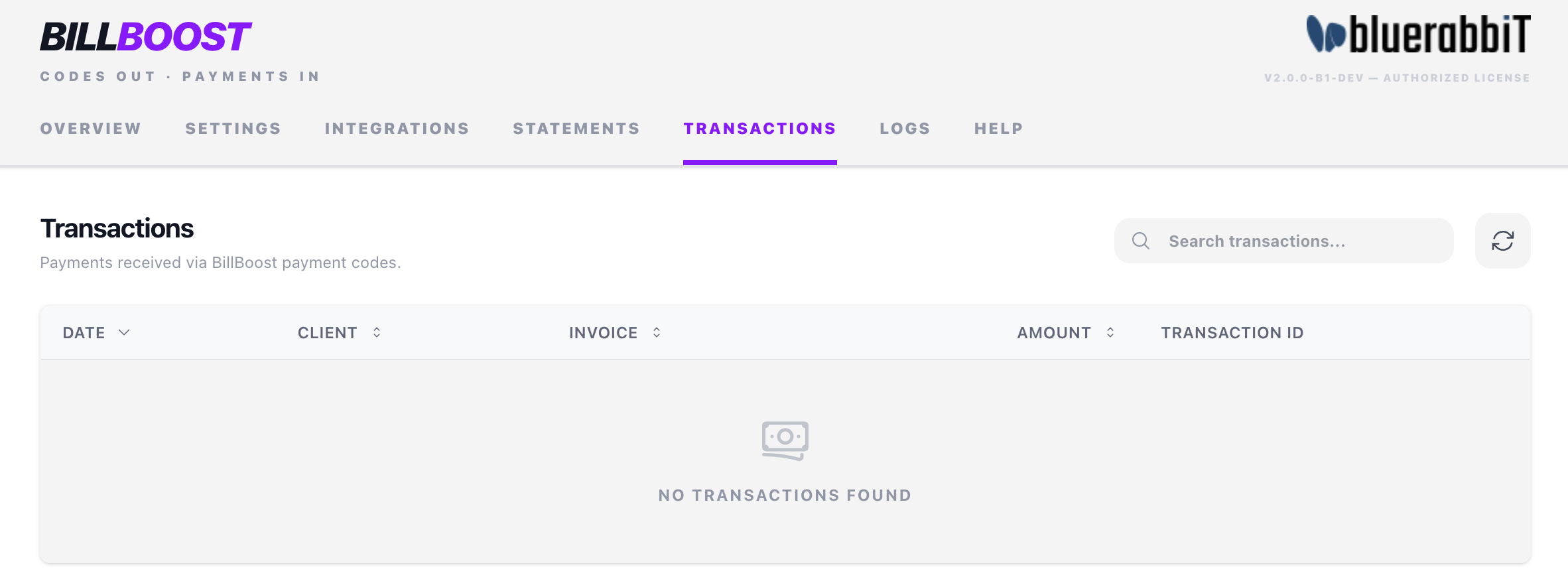
The list is searchable and sortable, so you can quickly find a specific payment, client, or invoice. It shows the 500 most recent transactions, newest first.
This is a view of WHMCS's own transactions, filtered to those booked against the Payment Code gateway. Two things follow from that: if the gateway isn't installed the tab is always empty (see Installation), and payments you record by hand against a different gateway won't appear here even if they paid a Billing Booster invoice.
The tab belongs to both the Payment Codes and the Statement Processing features, and is shown when your license includes either.