Page Break
ContentInvoiceQuote
Forces a new page at this point in the document. Has no configuration of its own.
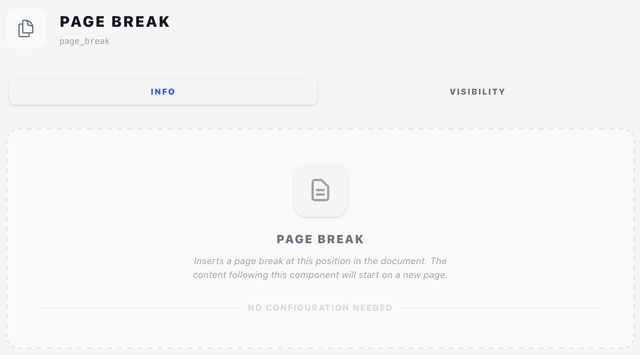
Info tab
Page Break has no settings. Drop it into the content list at the position where you want a forced page break — everything below it starts on a fresh page.
Visibility tab
You can still hide a page break conditionally — see Concepts → Visibility & conditions. For example, only force a page break before terms-and-conditions when the line items table actually filled the first page.
Tips
- Most of the time you don't need explicit page breaks — content flows and paginates naturally. Use Page Break when you have a logical reason to force a fresh page, such as putting terms and conditions on their own page after the totals.
- If you're using a PDF Document component to splice in a multi-page appendix, you don't need a Page Break before it — PDF Document handles its own page boundaries.