Fold Marks
InvoiceQuote
Renders two thin horizontal tick marks at the standard fold positions for a DL envelope. Helps recipients (and yourself) fold the printed page neatly into thirds.
No configuration — fold positions are calculated automatically based on the paper size (A4 or Letter).
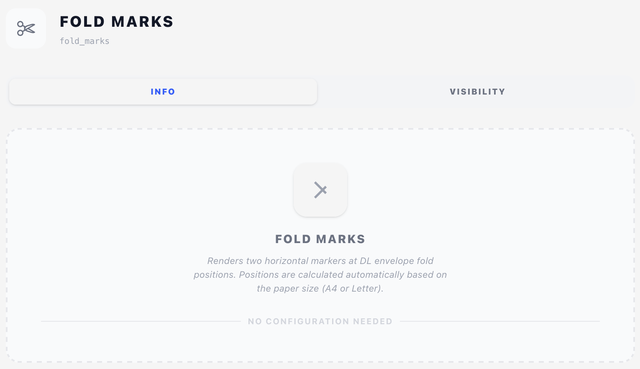
Info tab
Just a description. The component draws two short ticks in the left margin at the fold positions.
Visibility tab
You can still scope fold marks with conditions or the Display selector — see Concepts → Visibility & conditions. Most designs leave them on every page.
Tips
- Fold marks are intentionally small and unobtrusive — they're meant to be barely visible.
- If the marks are landing in the wrong spot, check that the page size in the source PDF tools matches your design.