Spacer
ContentInvoiceQuote
Adds vertical space between content components. The simplest component in BestPDF — one input, no styling. There is no overlay equivalent: overlays are absolutely positioned, so there's nothing to space.
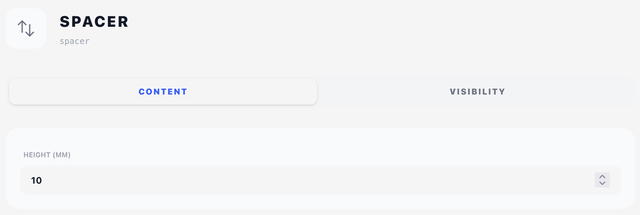
Layout tab
- Height (mm) — how much vertical space to insert at this point in the flow.
That is the whole component: a spacer has a size and nothing else, so its size is all the Layout tab holds. There is no Position, Offset or Width — a spacer is only ever content, and it always spans the flow it sits in.
Visibility tab
See Concepts → Visibility & conditions.
Tips
- Use spacers to separate logical blocks of the invoice — between the details box and the line items, or between the totals and the terms.
- If you find yourself adding the same large spacer over and over, consider whether the page margins on Document Settings need adjustment instead.
- A spacer with a tall height near the end of a page may push the next component to a new page — the engine doesn't compress spacers to avoid orphans.